
How to Take Good Vinted Photos Without a Model
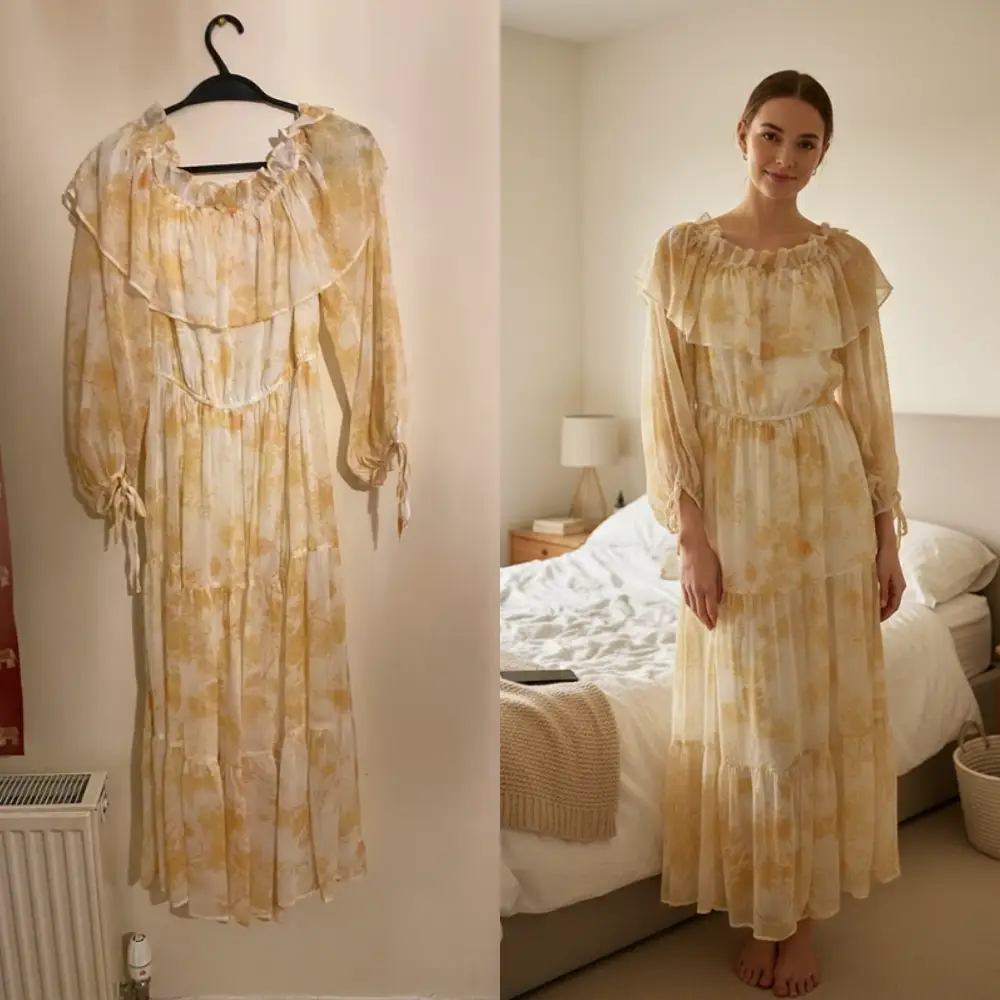
Don't have a mannequin at home? Don't want to pose wearing the item? Good news: you can still take excellent Vinted listing photos without a model. These tips are practical, beginner-friendly, and doable with just a phone.
5 Tips for Great Vinted Photos
Flat Lay vs Hanging: Which to Choose?
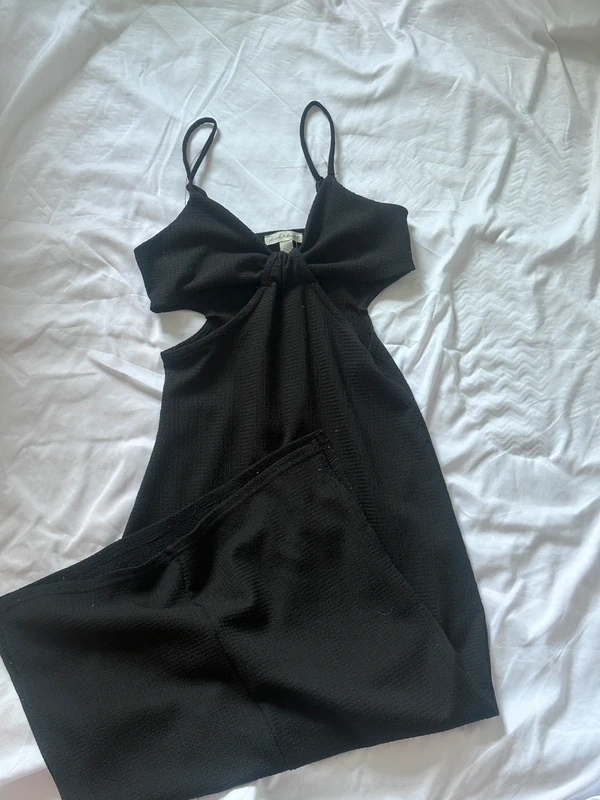
Flat Lay
- Works for all item types
- Easy to keep consistent
- No extra equipment needed
💡 Tip: Place items on a clean floor or bed. Use overhead lighting and keep the item fully in frame.
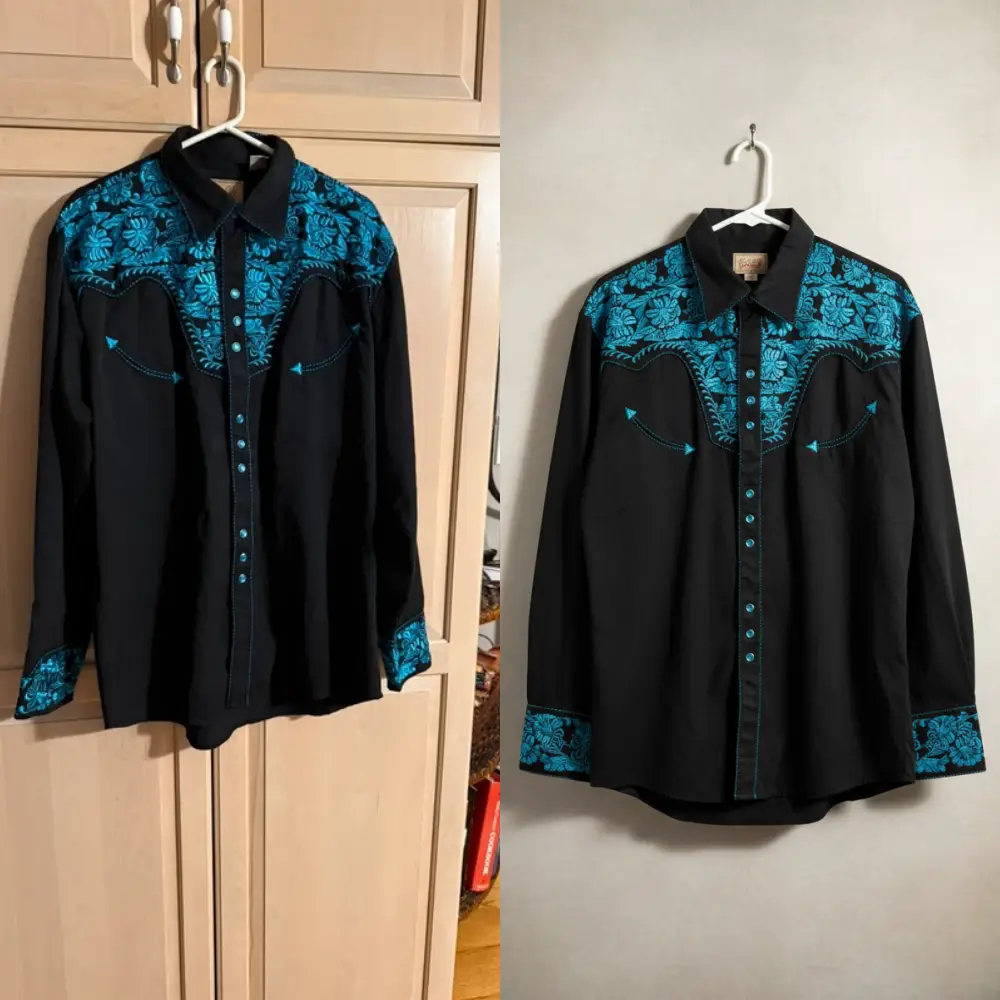
Hanging on a Hanger
- Shows drape and silhouette better
- Faster to set up
- Great for dresses and jackets
💡 Tip: Use a simple wooden or white hanger. Hang against a clean, neutral-colored door or wall.
Quick Photo Checklist
Take It Further with AI
If your background isn't perfect, Studioify can clean it up automatically. Upload your Vinted photo, remove background distractions, and export a crisp, professional image—all in seconds.
Background Removal
Instantly remove cluttered or distracting backgrounds from your Vinted photos.
Consistent Look
Keep the same clean style across all your listings for a professional closet feel.
AI Fashion Models
Turn flat lays or ghost mannequins into realistic on-model photos to boost your sales.
FAQ: Vinted Photos Without a Model
No. Flat lays and hanging shots can look just as professional as mannequin or model photos. Good lighting and a clean background matter more than how you display the item.
A simple, neutral background works best—white, light gray, or beige. Avoid busy or cluttered backdrops. If you don't have a clean wall, Studioify can remove your background digitally.
Use all the available photo slots. Include the full front view, back view, size label close-up, fabric texture, and any defects. More photos reduce buyer hesitation and build trust.
Absolutely. Modern smartphone cameras are more than capable. The key factors are good lighting (near a window) and a clean background—not camera quality.
Shoot all items in the same spot with the same lighting setup. Or use Studioify to apply a consistent clean background to all your listing photos, regardless of where they were taken.
Ready to Make Your Vinted Photos Stand Out?
Studioify removes backgrounds and polishes your listing photos automatically. Try it free—no sign-up required.
Try Studioify Free