
Vinted Go makes shipping and collecting parcels between individuals simple. Whether you're selling or buying, this guide walks you through using lockers, drop-off points, and pickup codes — step by step.
Note: This guide is independent and not affiliated with Vinted. Information is provided for reference and may change. Always check the Vinted app for official details.
Last updated: December 29, 2025
What is Vinted Go? (30-second overview)
Vinted Go is Vinted's integrated network of drop-off and collection points. It works on a drop-off and pick-up model: you drop your parcel at one point, the buyer collects it from another.
Key things to know:
- Point-to-point shipping: You drop off at a locker or shop, the buyer picks up from another location (see official explanation).
- Two types of points:
- Lockers: Automated parcel machines, often available 24/7 (shopping centres, train stations, car parks).
- Drop-off points: Partner shops with regular opening hours.
- Standard coverage: In case of loss or damage, Routes by Vinted Go states a refund of the declared value up to €25 (standard coverage). Extra coverage up to €500 is available as an option. Always check the terms in your app.
The system standardises shipping, but disputes often come from somewhere else: the item description. More on that below.
Finding a Vinted Go Locker or Drop-off Point Near You
Before shipping, you need to choose your drop-off location.
In the Vinted app:
- Open the order from your sales.
- Go to the shipping step or label section.
- The app shows available Vinted Go points near you.
- Choose between a locker (parcel machine) or drop-off point (partner shop).
Locker vs Drop-off Point: Which to choose?
| Criteria | Locker | Drop-off Point |
|---|---|---|
| Availability | Often 24/7 | Shop opening hours |
| Speed | 2-minute drop-off | Possible queue |
| Parcel size | Limited (check dimensions) | More flexible |
| If full | Find another locker | Rarely an issue |
Tip: If you ship often, note 2–3 nearby points so you have a backup if your first choice is full.
Steps to Send a Parcel (Seller)
Here's the complete checklist for shipping with Vinted Go.
1. Prepare the parcel
- Pack the item properly (protect against bumps and moisture).
- Check the parcel fits within accepted dimensions.
- Photograph the item and packaging (we explain why below).
2. Check the label
- Download the label from the Vinted app.
- Print it or display the QR code on your phone.
- Verify the destination address is correct.
3. Drop off the parcel
- Go to your chosen locker or drop-off point.
- Scan the QR code (locker) or show it to the shop staff (drop-off point).
- Place the parcel in the locker or hand it over.
- Wait for the drop-off confirmation.
If the locker is full:
→ The app usually suggests another nearby point. Otherwise, manually find a drop-off shop nearby.
How to Track a Vinted Go Parcel
Once the parcel is dropped off:
- Check in the app that the status changes to "In transit" (or similar).
- Wait for the delivery notification.
- Respond quickly if the buyer has questions.
Tracking is available in the "My sales" section of the app, directly on the order.
Steps to Collect a Parcel (Buyer) + Pickup Code
Bought something and it's arriving at a Vinted Go point? Here's how to collect it.
Where to Find Your Pickup Code
The pickup code (or QR code) appears in several places:
- Push notification: Vinted sends you a notification when the parcel arrives.
- Order page: In the app, under your purchases → the relevant order.
- Email: Sometimes sent by the delivery partner.
Note: The code can be a numeric code to type on the locker screen, or a QR code to scan. Both do the same thing: open your locker.
How Long Do I Have to Collect My Parcel? (Collection Deadline)
The time to collect your parcel depends on the pickup point:
- Locker: Usually 2 to 3 days after arrival. After that, the parcel may be returned.
- Drop-off point: Often up to 7 to 14 days, depending on the partner shop.
Always check the deadline in your notification — it can vary during busy periods.
Collecting from a Locker
- Go to the locker shown in the app.
- Scan the QR code on the locker screen (or type the numeric code).
- The locker opens automatically.
- Take your parcel and check its condition.
- Confirm receipt in the app.
Collecting from a Drop-off Point
- Go to the partner shop.
- Show your pickup code or QR code.
- The staff hands you the parcel.
- Check the condition and confirm in the app.
Important: Check the parcel's condition before confirming receipt. Once confirmed, raising issues is harder.
Common Problems (Full Locker, Delay, Dispute) + How to Protect Yourself
Even with a standardised system, things can go wrong. Here are the most common issues and how to handle them.
The locker is full
Solution: The app usually suggests an alternative point. Otherwise, choose a nearby drop-off shop or come back later (lockers free up as buyers collect their parcels).
The parcel is delayed
Possible causes: Network overload, weekends, public holidays.
What to do:
- Wait 2–3 more working days.
- Contact Vinted support if the delay exceeds 7 days.
- Check the status in the app (sometimes the parcel has arrived but the notification failed).
The buyer says the item is damaged or "not as described"
This is where things get tricky. Point-to-point shipping is standardised, but disputes often stem from description issues:
- "I thought it would be bigger"
- "The colour doesn't match the photo"
- "There was an unmentioned defect"
How to protect yourself (seller):
Before shipping, build a photo evidence chain:
| Photo | What it shows |
|---|---|
| 1. Item front | Overall condition, true colour |
| 2. Item back | Seams, closures |
| 3. Details/defects | Any visible flaw (stain, snag, wear) |
| 4. Size label | Confirms the listed size |
| 5. Item packed | Shows packaging before sealing |
| 6. Label attached | Proves it's the right parcel |
These photos won't guarantee you'll win a dispute, but they significantly strengthen your position if the buyer challenges you.
Bonus: These same photos can work for your listings too. A clean photo with a neutral background gets more clicks — and you already have proof of the item's condition.
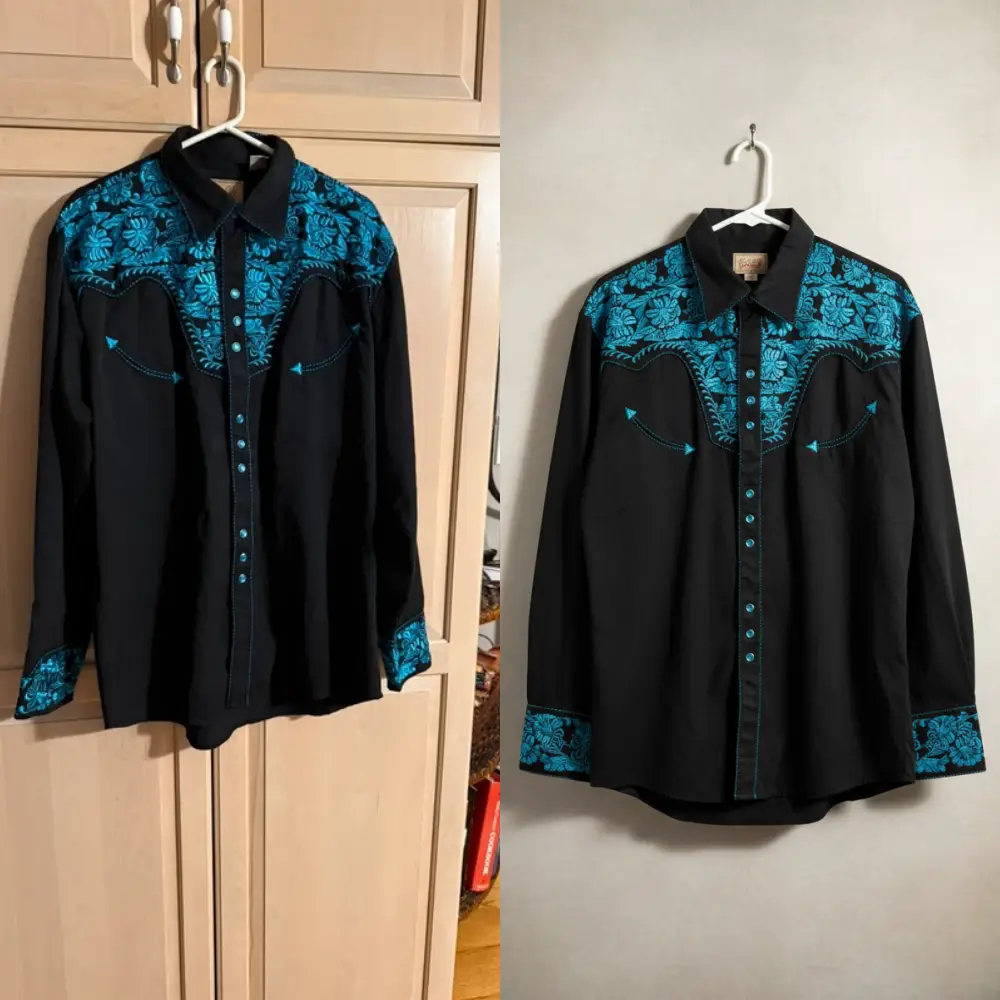
Example: before / after background cleanup
| Before | After |
|---|---|
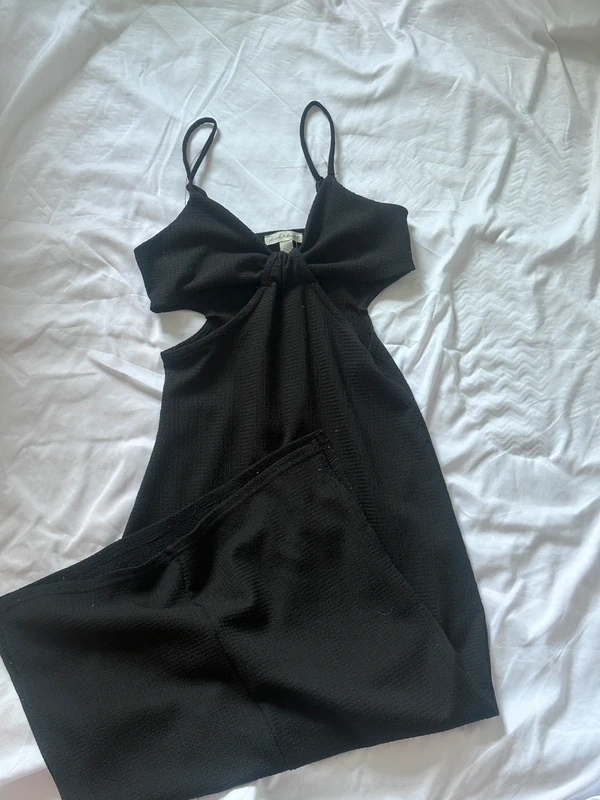 |
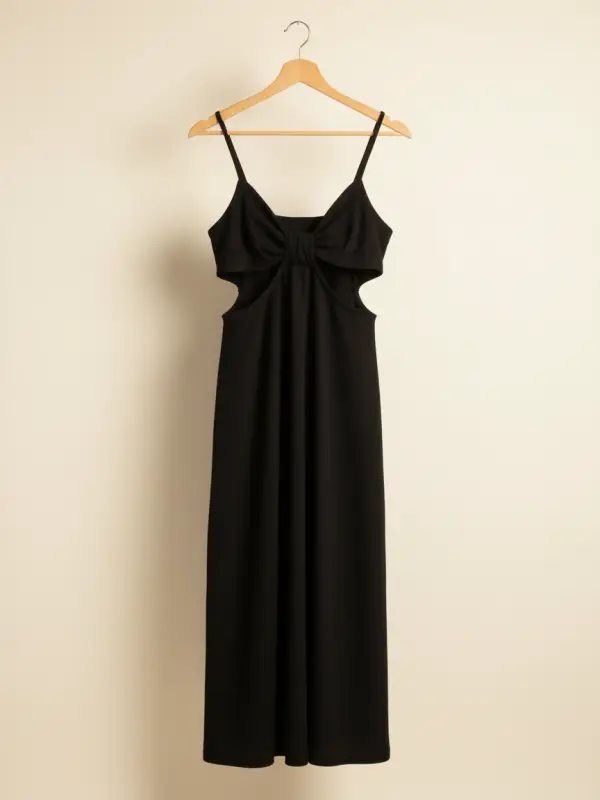 |
Tool for Batch Photo Processing
If you sell regularly on Vinted, Studioify lets you clean up your photo backgrounds and process up to 10 images at once. Handy for keeping a consistent look across your listings while keeping your dispute-proof evidence.
→ Try Studioify (10 photos at once)
Seller Checklist: Photos Before Shipping (Dispute Protection)
The same photos can serve two purposes:
- Improve your listing (more clicks, fewer questions).
- Prove the item's condition in case of a dispute.
Dispute-proof photo checklist:
- Full front view (well-lit)
- Full back view
- Close-up of any defects (even minor ones)
- Label with size/brand visible
- Item folded/packed before sealing
- Vinted Go label attached and readable
Tip: Keep these photos for at least 30 days after the sale (typical dispute window).
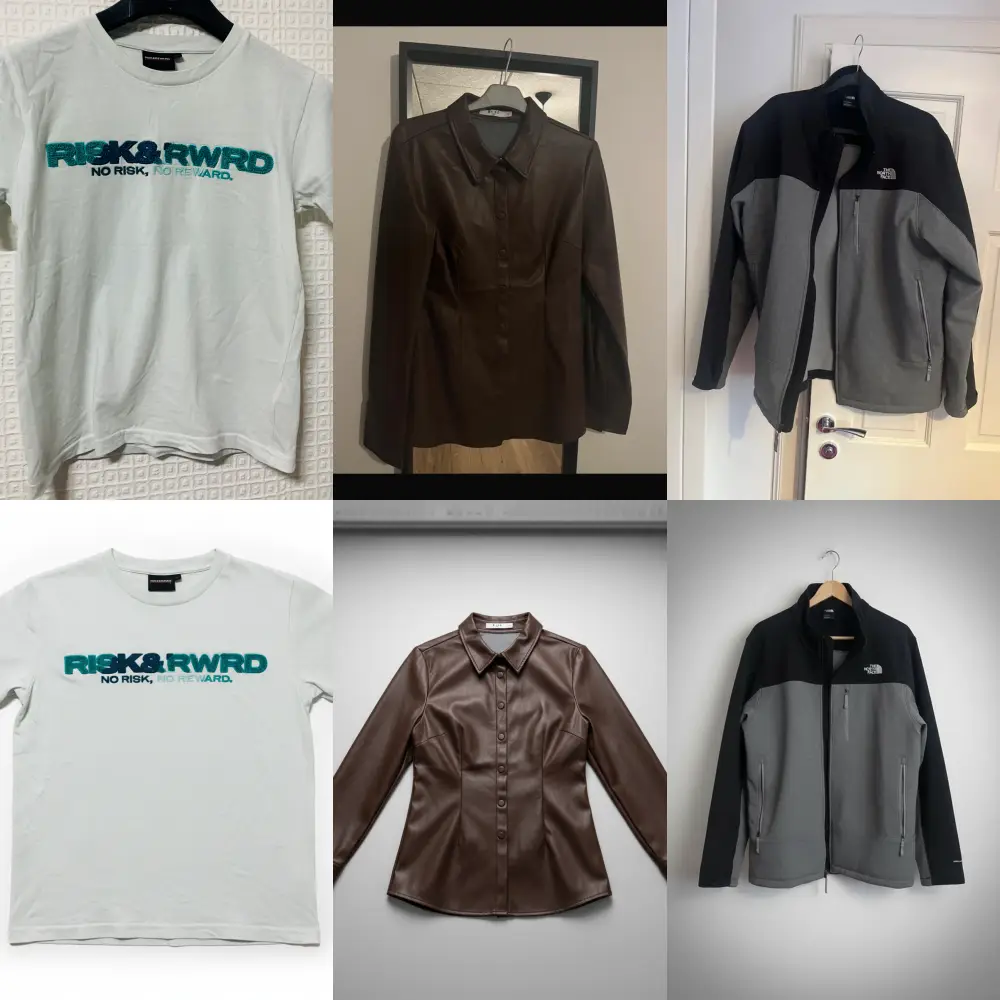
Preview of a Vinted wardrobe with consistent photos:
FAQ: Vinted Go
The Vinted Go locker is full — what do I do?
The app usually suggests an alternative point nearby. You can also choose a drop-off shop or come back later when lockers free up.
Where do I find my pickup code?
The pickup code appears in:
- The push notification from Vinted
- Your order page (under purchases)
- Sometimes by email from the delivery partner
It's either a numeric code or a QR code to scan on the locker screen.
How do I track my Vinted Go parcel?
In the Vinted app, go to your sales (seller) or purchases (buyer). The parcel status shows directly on the order.
How long do I have to collect my parcel?
The deadline varies by point type: usually 2–3 days for a locker, up to 7–14 days for a drop-off shop. Check the exact deadline in your delivery notification.
What if my parcel is lost or damaged during shipping?
Contact Vinted support via the app. According to Routes by Vinted Go, standard coverage provides a refund up to €25 in case of loss or damage. Extra coverage up to €500 is available as an option. Always check the exact terms for your order.