Optimized for Vinted Sellers

Vinted Background Remover for Cleaner Listing Photos
Studioify is a Vinted background remover built for clothing sellers. Upload a photo, remove background distractions, and export a crisp image that keeps attention on the item. It’s a fast way to prep Vinted listing photos when you’re posting often, doing bundles, or clearing a backlog—without learning design tools.

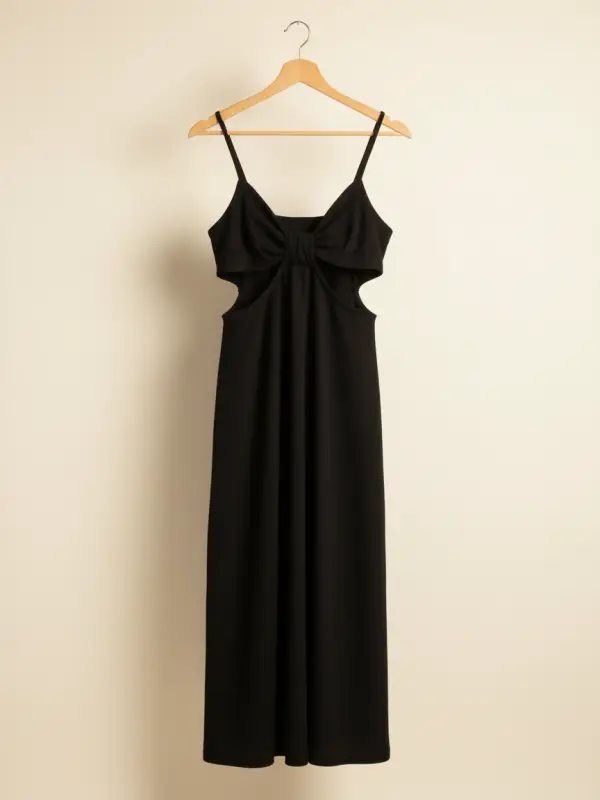
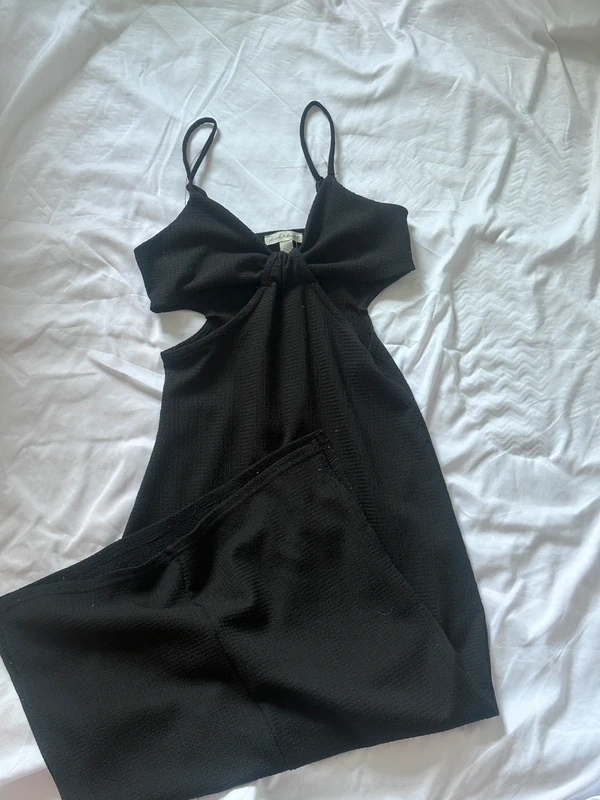
Dress on clean background - Original photo before AI editing
Dress on clean background - AI-enhanced photo for Depop and Vinted

👆 Drag to compare

More Examples

See how Studioify transforms different types of clothing photos
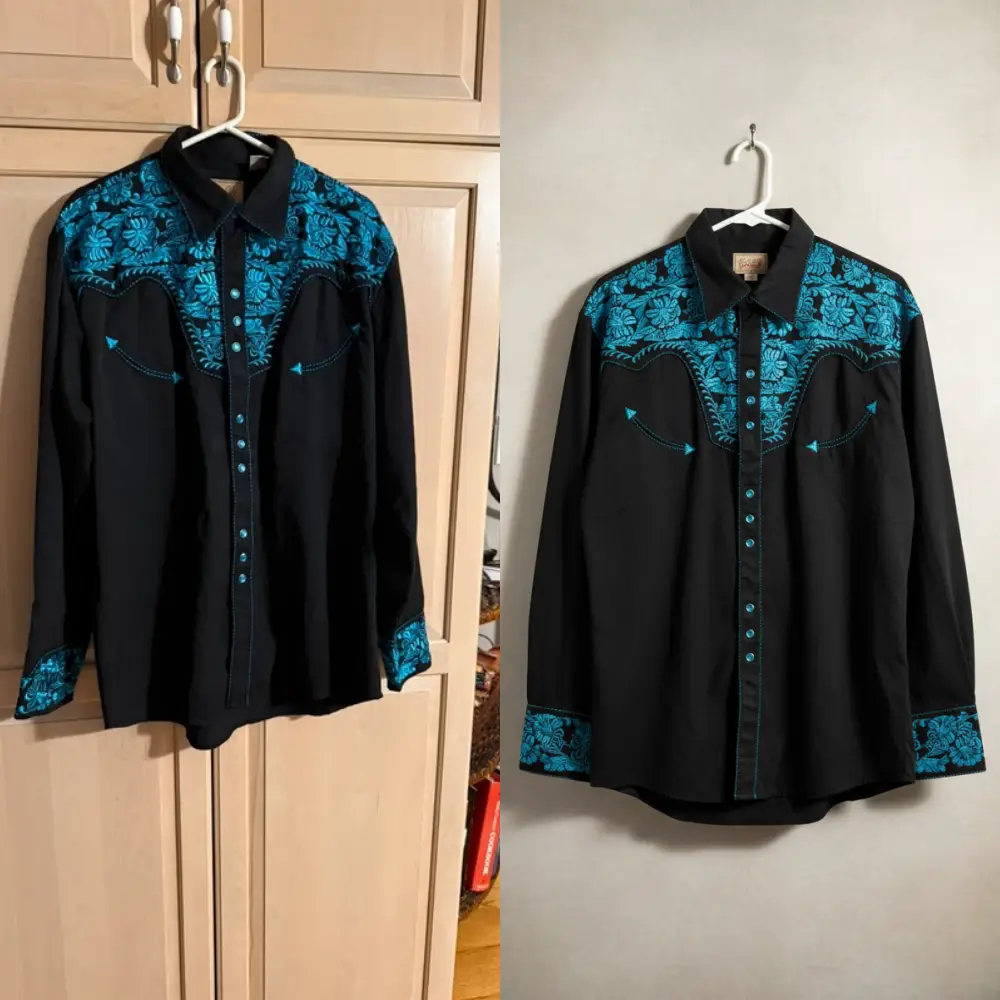
Jacket with neutral backdrop
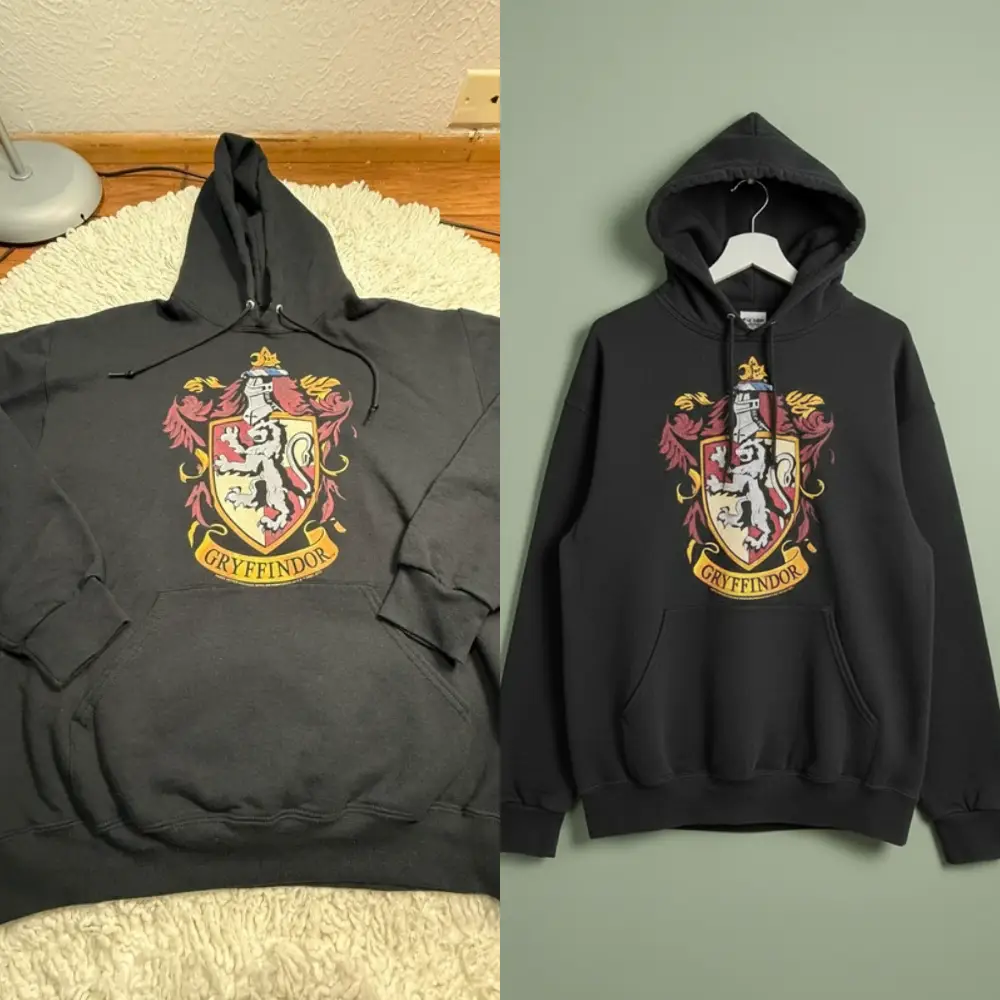
Jacket with neutral backdrop

Shoes professionally styled

Shoes professionally styled

Why a Vinted Background Remover Helps

Help buyers focus on the item

A Vinted background remover reduces visual noise so buyers can quickly see shape, fabric, and key details in the preview.

Make your closet look consistent

Using the same background style across listings makes your Vinted photos feel organized. Consistency also helps buyers scan multiple items from the same seller with less friction.

List faster on busy days

Background cleanup is a common bottleneck. A Vinted background remover lets you batch your photo prep so you can spend more time listing, messaging, and shipping.

Made for Vinted background removal

Clothing-aware cutouts

This Vinted background remover is designed for clothing edges that often look messy: sleeves, collars, straps, lace, and dark fabrics. The goal is a natural cutout that still looks like a real photo, not a sticker.

Consistent backgrounds across listings

Keep one clean style across your closet: white, beige, light gray, and other neutral options. A consistent look is one of the easiest ways to make your Vinted photos feel more professional.

Batch editing (up to 10 photos)

Upload up to 10 items at once and run background cleanup in a single flow. If you shoot photos in batches, this is where a Vinted background remover saves the most time.

How the Vinted background remover works

1

Snap or upload

Take a quick phone photo (hanger, flat lay, mannequin, or on-body) and upload it.

2

Remove background distractions

Studioify runs background cleanup so the item becomes the focus. This is the core of the Vinted background remover workflow.

3

Export and upload to Vinted

Download the cleaned image and upload it to your Vinted listing. Repeat for your batch to keep a consistent closet aesthetic.

Used by busy Vinted sellers

"This Vinted background remover helped my listings look cleaner without taking extra time."

S
Sarah
Vinted Seller

"Batch background removal is a game-changer when I’m listing a lot at once."

E
Emma
Vintage Seller

"My closet looks more consistent now. The photos feel way more organized."

J
Julie
Reseller

Create a Professional Vinted Profile

Consistent, clean backgrounds make your Vinted closet look organized and trustworthy
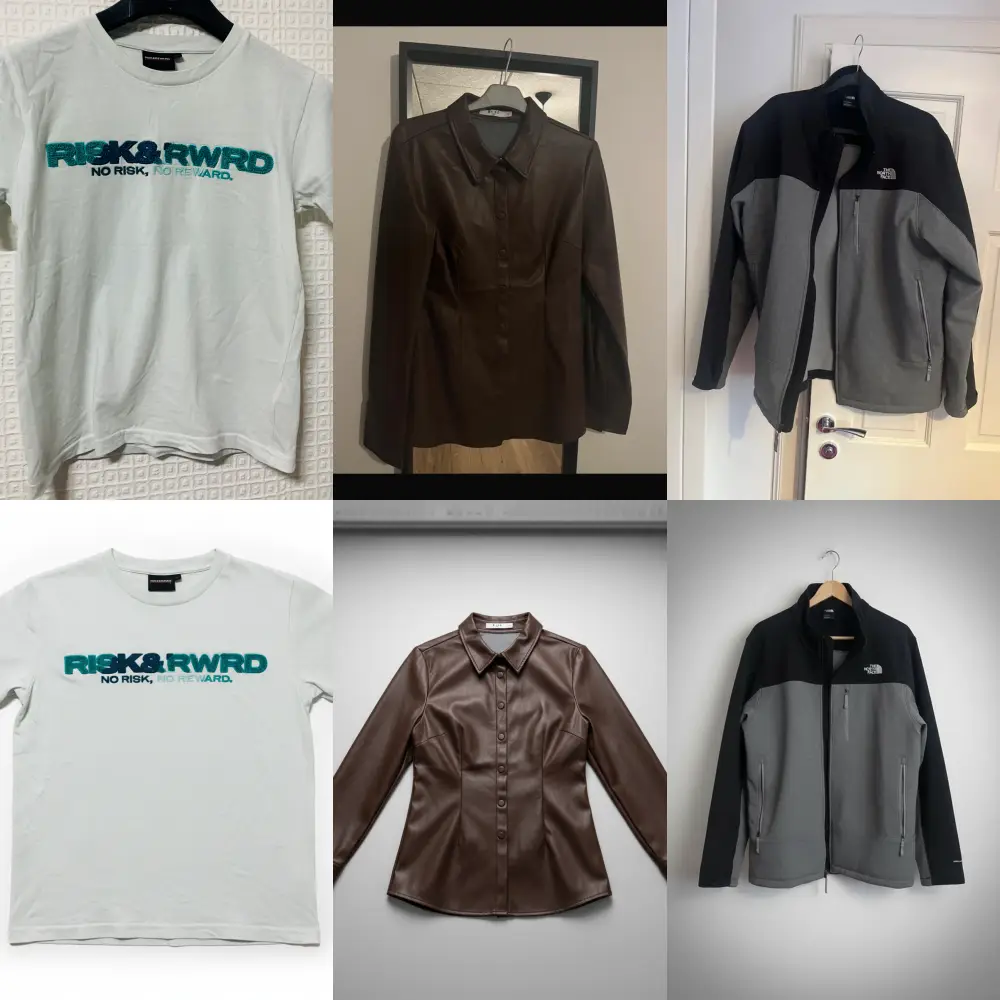
alt.profileGrid
✨ Professional Grid

More Profile Views

Clean grids attract more buyers to browse your closet

Consistent Aesthetic

Unified backgrounds create a professional brand image

Higher Trust

Professional photos signal you're a serious seller

FAQ: Vinted background remover

A Vinted background remover is a tool that simplifies or removes background clutter so your item is easier to see in listing photos.

Background removal should not change the real item. Avoid edits that misrepresent color, condition, or defects—keep photos truthful.

Neutral, simple backgrounds usually make items easier to scan. With a Vinted background remover, the goal is clarity and consistency, not over-editing.

Use the phrase naturally in key sections (title, headings, FAQ) and don’t force it into every sentence. A readable page typically performs better than keyword-stuffed text.

No tool can guarantee results. Cleaner photos can help presentation, but price, demand, condition, and responsiveness still matter.

Try the Vinted background remover (trial)

Start Trial